Automatic Recovery
Reconnects after real-world network changes.
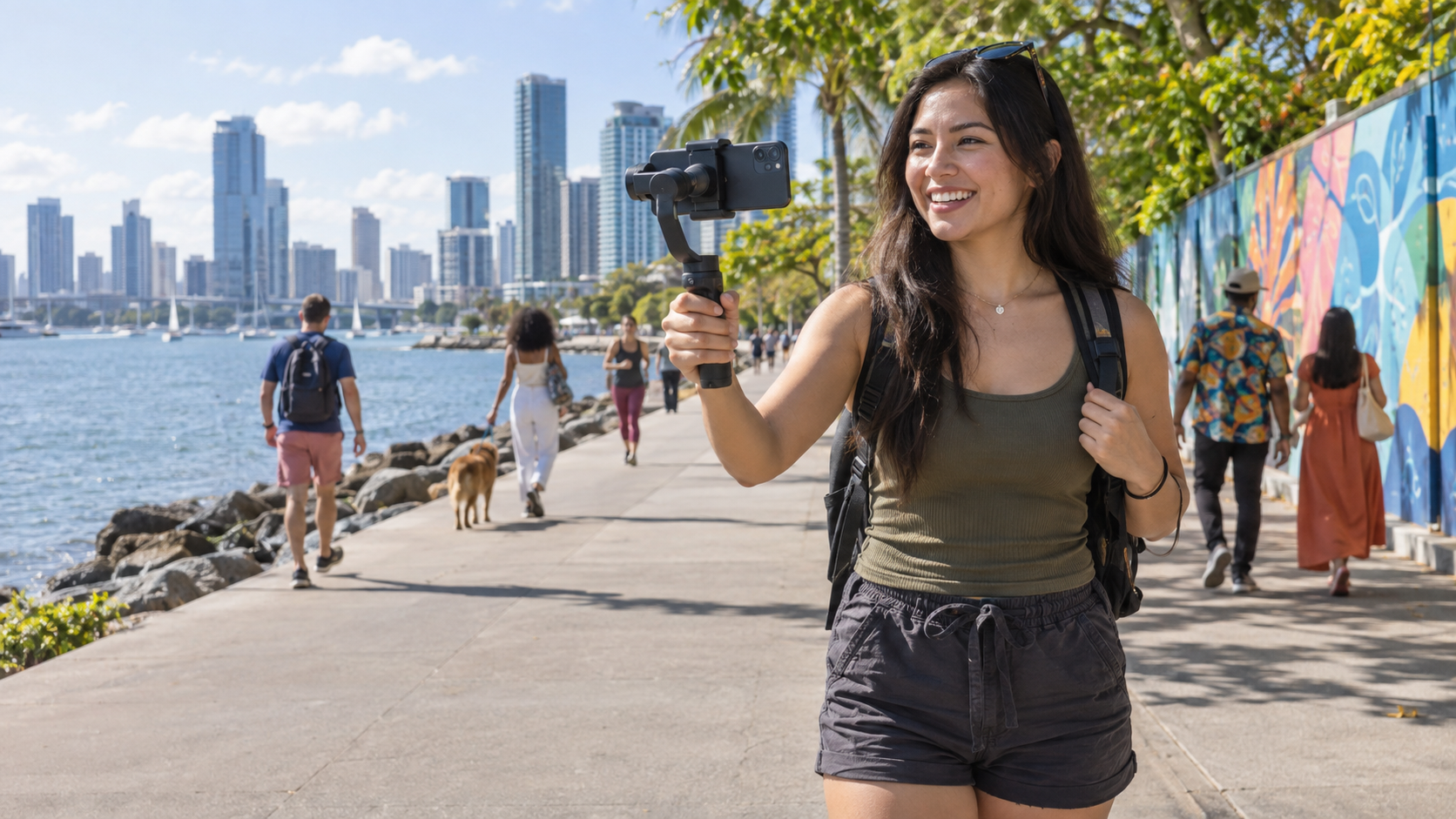
A reliable wireless camera link made for streams that leave the desk.
 LIVE
LIVEYour phone can change networks. Your OBS scene should not have to.
Reconnects after real-world network changes.
Keep one Browser Source between broadcasts.
Connect OBS WebSocket to switch scenes and sources from your phone.
Send your finished OBS program wherever you stream. Connect supported accounts for extra controls.
OBS streaming, chat, title, and category controls.
OBS streaming, chat, and stream information controls.
Stream through OBS. Extra YouTube controls are not available yet.
Stream through OBS, with more built-in controls planned.
Stream through OBS where your account supports it.
OBS is the bridge: Phone OBS Link supplies the camera; OBS publishes the final stream.
Create an account and select a subscription.
Name your camera in the dashboard.

Scan the QR code or tap the mobile link.
PHONE CAMERAPaste the link yourself or use automatic setup.
No. Open the camera link in a supported mobile browser.
Your phone feeds OBS. OBS sends the finished program to your platform.
The camera reconnects automatically and can switch to a backup connection when needed.
No. The service does not record your camera footage, and your video is protected while it travels to OBS.
Yes. Tap Open Camera on This Phone under Camera Sources.
The practical details to check before taking your stream outside.
Built for recent iPhones and iPads using Safari, plus Samsung Galaxy, Google Pixel, and other modern Android devices using Chrome.
WebRTC favors a direct, low-delay route and can use a secure relay when networks require it. Actual delay varies by device and connection.
Quality controls range from Data Saver to High Quality. Camera footage is not recorded, and camera or microphone access requires your permission.
Choose a topic for a quick answer or prepare an email with the details support needs.